Visual Studio에서 python파일 실행하기
- 컨트롤 + 엔터로는 실행이 안된다.
- 실행하고자 하는 코드는 faker라는 라이브러리를 이용하여 csv파일을 생성하는 코드이다.
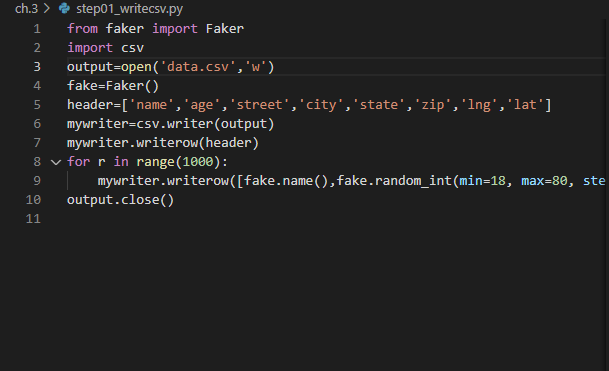
Step 1. 터미널 경로
- 터미널 경로를 잡아줘야 한다.
- 현재 이 파일은 c드라이브 > airflow-test > ch.3에 있다.
- 파일이 있는 경로에서 명령어를 실행해야한다.

- 참고로,
- cd .. : 상위 폴더로 가기
- cd {폴더명} : 해당 폴더로 가기
- ls : 현재 경로에서 갈 수 있는 폴더 보기
Step 2. python3 {파일이름}
- 현재 파일 명은 step01_writecsv.py이다.
- 따라서,
- python3 step01_writecsv.py
- 를 쳐주면 된다.
Step 3. 실행시키기
- 현재 폴더(ch.3)에는 csv파일이 없다.
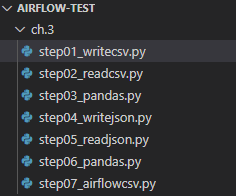
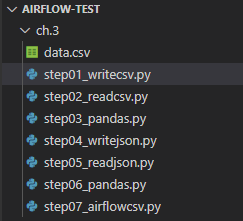
- 코드를 실행 시켜보면 csv파일이 생길 것이다.

- 짜잔! data.csv 파일이 생겼다.
Visual Studio에서 python파일 실행하기
You need to set
install_url to use ShareThis. Please set it in _config.yml.